Notifications silenced on iPhone? It is Focus mode
Turn off the active Focus, fix per-app permissions, and check schedules.
Open Control Center, tap Focus, and turn off the active mode. Then check Settings → Notifications → the silent app, and look for Focus schedules that keep re-enabling themselves.
Try these fixes in order
Turn off the active Focus
This is the fastest fix — one tap silences the silencer.
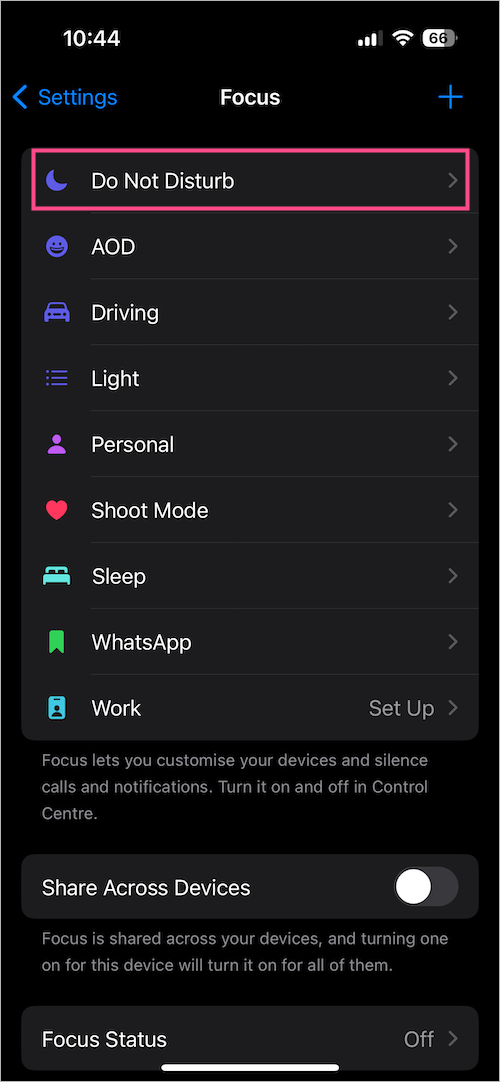
Control Center → Focus → tap the active mode to turn it offCheck the app's notification permissions
Allow Notifications must be on, plus at least one alert style (Lock Screen, Notification Center, or Banners).
Settings → Notifications → [app] → Allow Notifications → OnKill Focus schedules
Scheduled focuses re-activate on their own; Smart Activation learns your habits and surprises you.
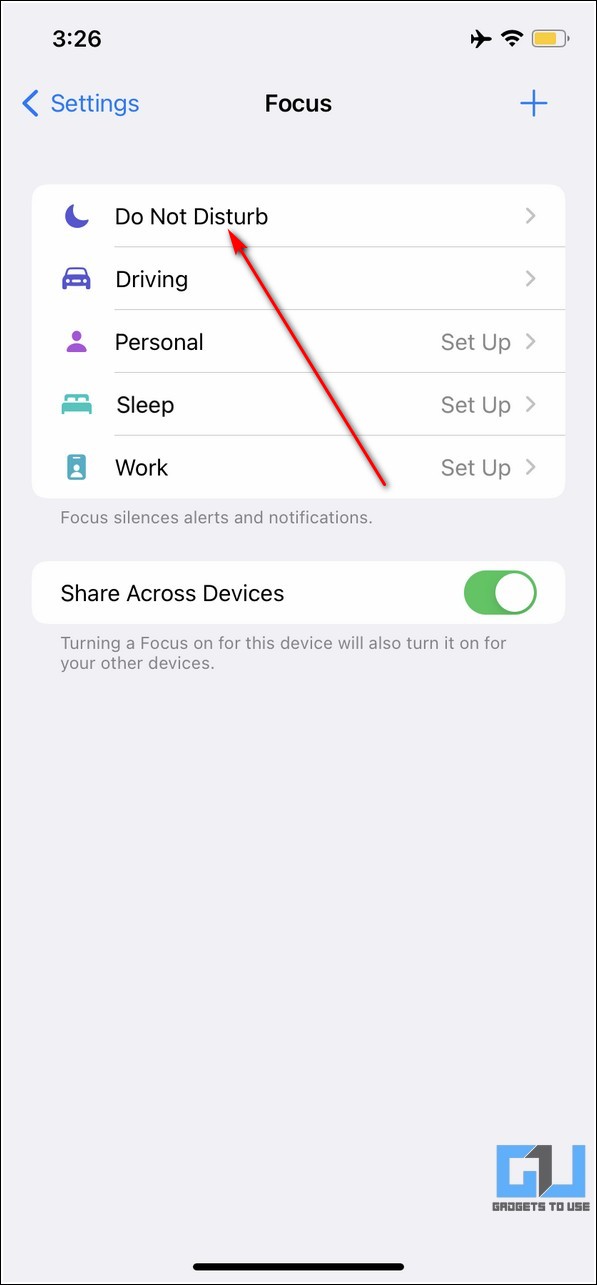
Settings → Focus → [mode] → delete schedules, turn off Smart ActivationTurn off Share Focus Status
This stops Messages from telling contacts your notifications are silenced (and offering them Notify Anyway).
Settings → Focus → Focus Status → Share Focus Status → OffInterpret what you see
A moon, bed, or car icon shows in the status bar
What it suggests: Focus modes silence calls and alerts by design; a scheduled Sleep or Driving focus re-activates itself.
Next check: Open Control Center → Focus and tap the highlighted mode to turn it off.
Only one app is silent
What it suggests: Even with Focus off, an app with Allow Notifications disabled stays silent.
Next check: Check Settings → Notifications → the app → Allow Notifications.
Notifications stop again at the same time daily
What it suggests: Focus schedules turn themselves back on at set times or locations.
Next check: Check Settings → Focus → each mode for schedules and Smart Activation.
Why this happens
- A Focus mode (Do Not Disturb, Sleep, Driving) is active or scheduled.
- The app's own notification permissions are disabled.
- Share Focus Status broadcasts the silenced state to your contacts.
Still not working?
If Messages shows “has notifications silenced” under someone else's name, that is about THEIR phone — no setting on your device can unsilence their notifications. Only they can turn off their Focus.
Official sources
- YouTube: Do Not Disturb WON'T Stop This on Your iPhone — Turn It Off NOW ↗
- Screenshot: WebTrickz Focus guide ↗
- Screenshot: GadgetsToUse Focus guide ↗
These steps are based on the linked documentation and general diagnostics. BugMedic has not independently tested every product and system configuration. Review commands before running them.